v0.7.3 · Aug 2026 — Conversation Dock & Responsive UI

One window.
Every session in parallel.

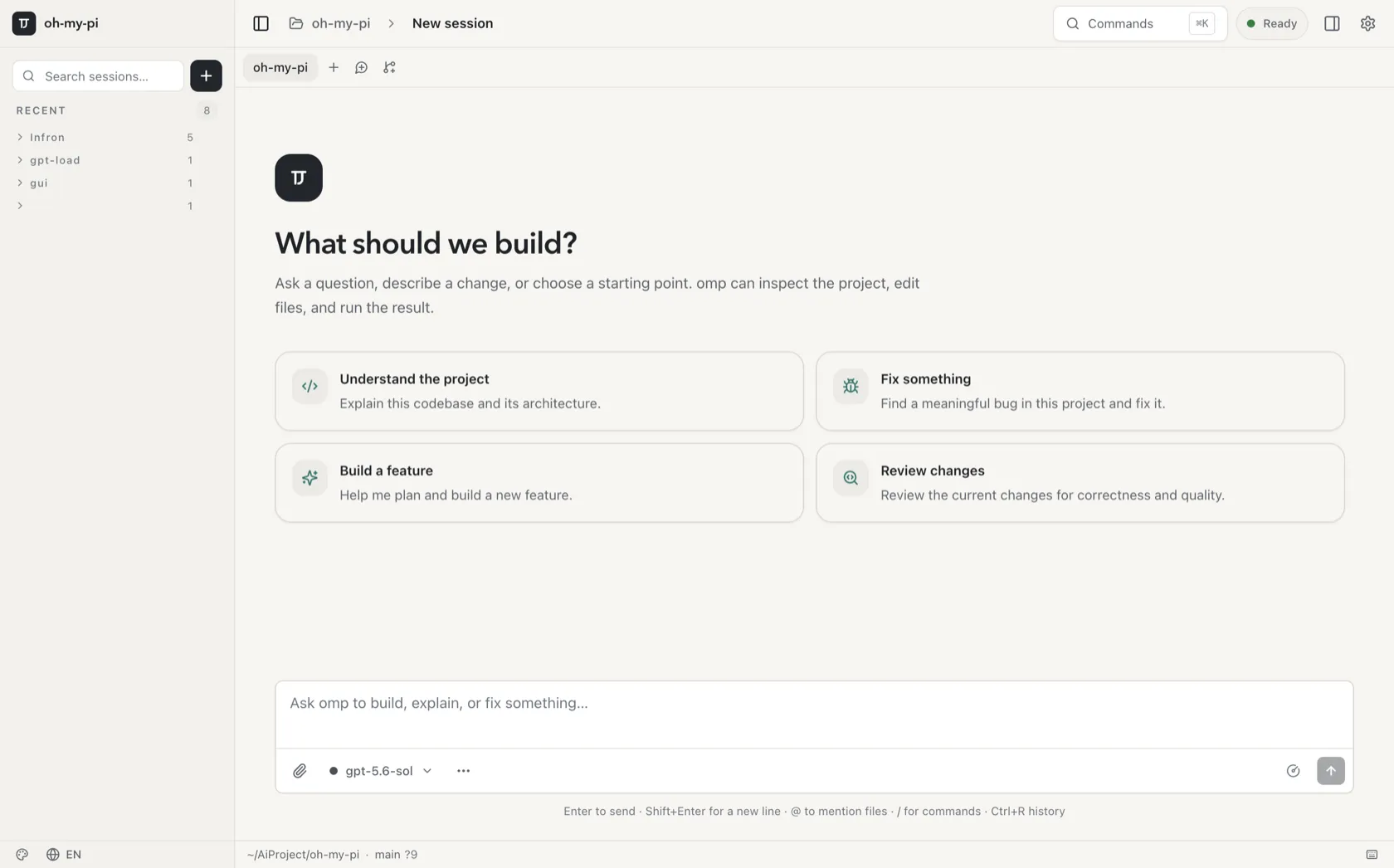
The desktop GUI for the omp coding agent. Every session tab runs its own agent process — your work keeps moving in the background while you switch. All of the TUI's power, none of its walls.

Bundled sidecar — no agent, bun, or Node to install · All releases · Build from source
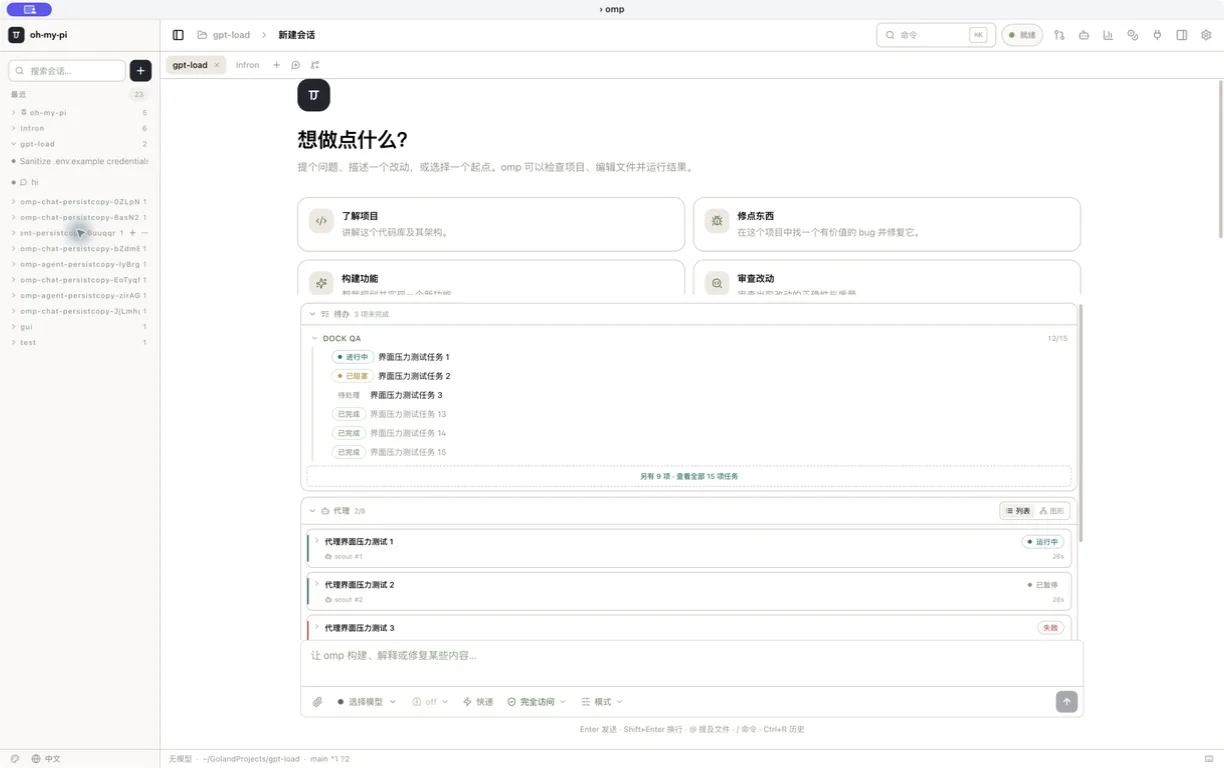
omp GUI conversation with an inline live todo dock card
0
Runtimes to install — the sidecar ships inside the app
0+
Native RPC dialogs, from providers to process control
0×
Parallel agents observed live in one window
0
Steps from update banner to restarted app
Session Tabs

Sessions that never block each other

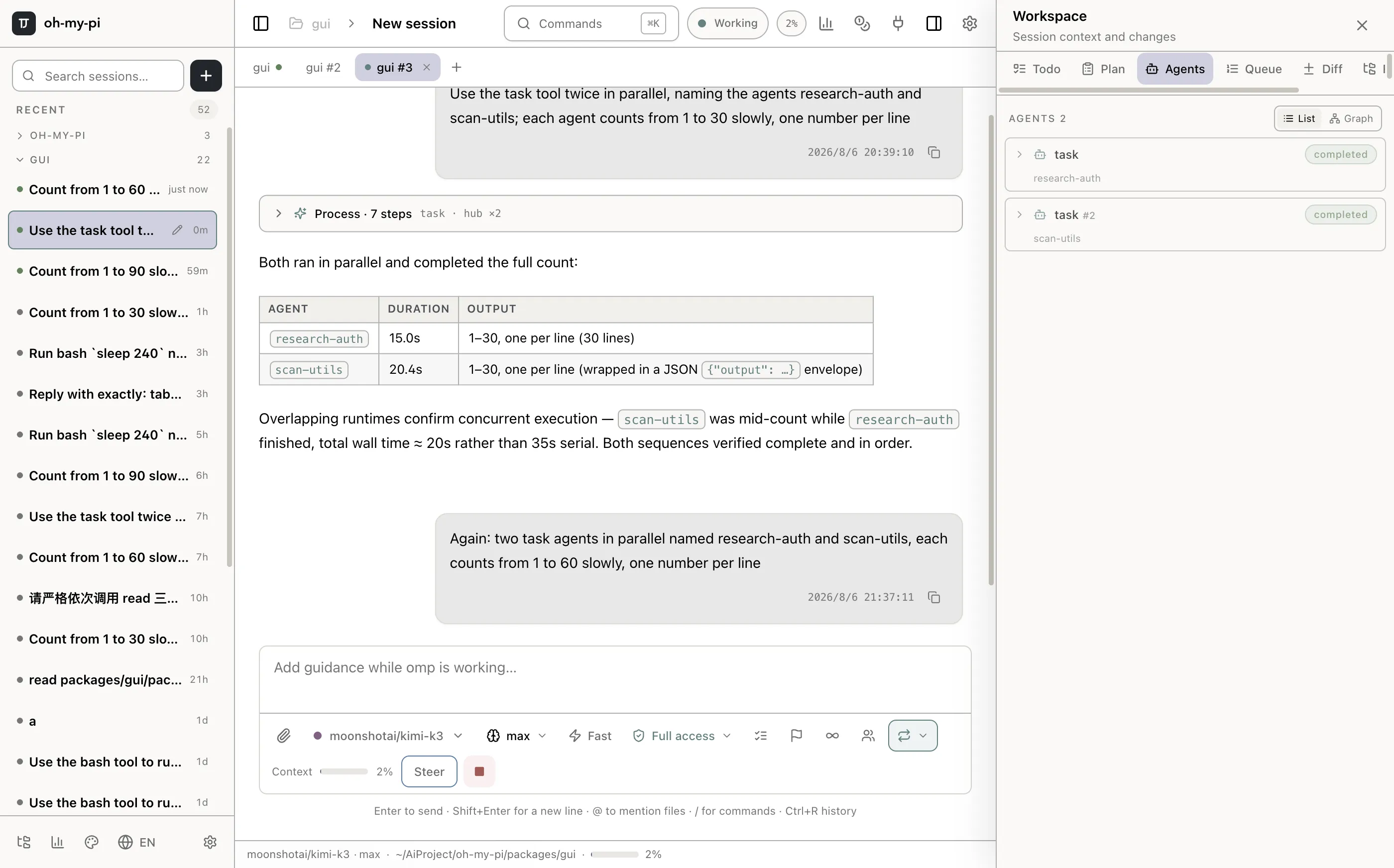
Every tab owns a full agent process. Kick off a long task, switch to another tab, and let it finish on its own — the titlebar keeps a live heartbeat so you always know what's running.

Independent processes

A crash or hang in one tab never touches the others.

Background execution

Steer, queue follow-ups, or walk away — agents keep working.

Ownership guard

Live sessions are locked against accidental takeover.

Three session tabs running in parallel
Three tabs, three agent processes — two running concurrently.
Conversation Dock

Execution state, exactly where the work happens

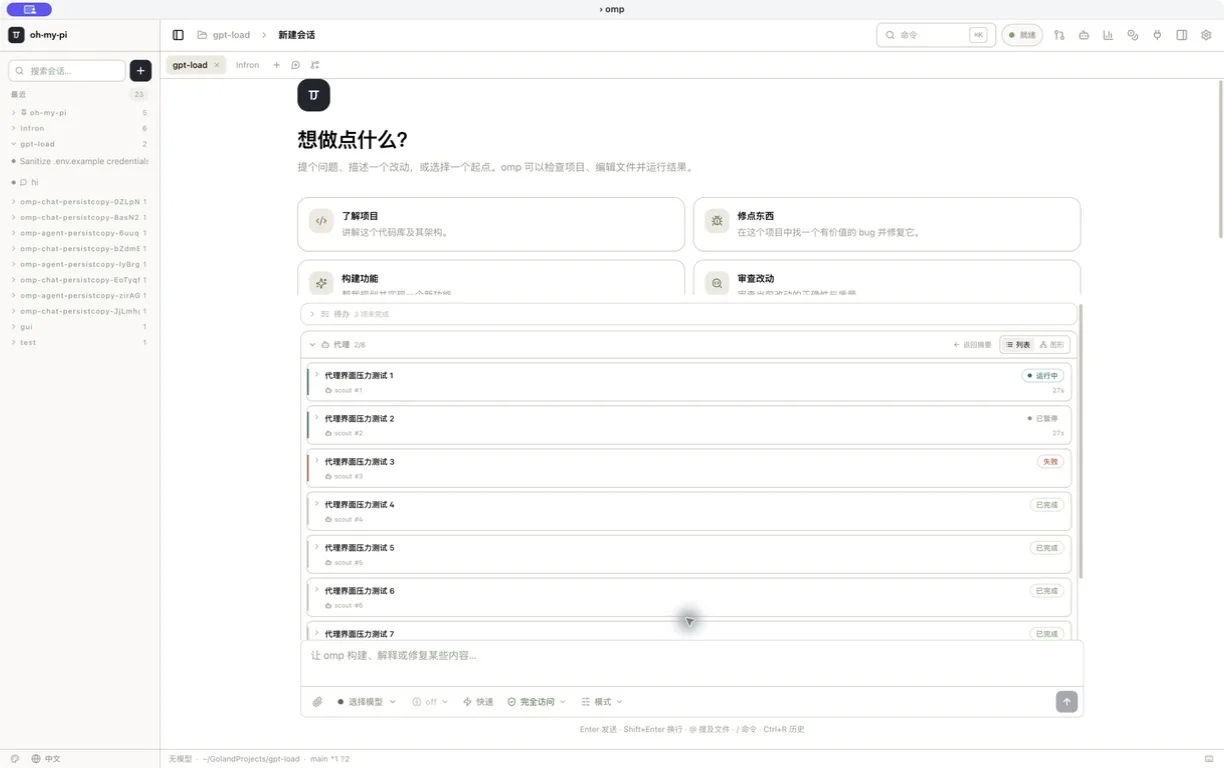
Todos, plan review, sub-agents and queued work now live between the transcript and composer — always current, collapsible, and attached to the conversation that drives them.

Live todo & plan cards

Edit tasks, review plans, approve steps, and preserve todo changes in the transcript.

Agents & queue in context

Expand agent transcripts, reorder messages, or move work between steering and follow-up lanes.

Live todo card rendered between the transcript and composer
One centered workspace — transcript, live execution state and composer stay aligned.
Native Management

The command line is no longer the settings screen

Configure the agent from dedicated, responsive surfaces. Selection and status carry the color; the rest stays clean, readable, and sized to your window.

01

Skills & MCP

Inspect complete skill instructions, control scopes, add servers, test connections, and reauthorize without editing config files by hand.

02

Security & SSH

Audit the current repository, review findings with evidence, and maintain reusable remote hosts from one operations area.

03

One update surface

See GUI and omp versions together, resolve update errors clearly, and install a verified package with its published metadata.

Native, Not a Wrapper

Real interfaces for real workflows

Voice, collaboration, debugging and commands get first-class native surfaces — not a terminal crammed into a webview.

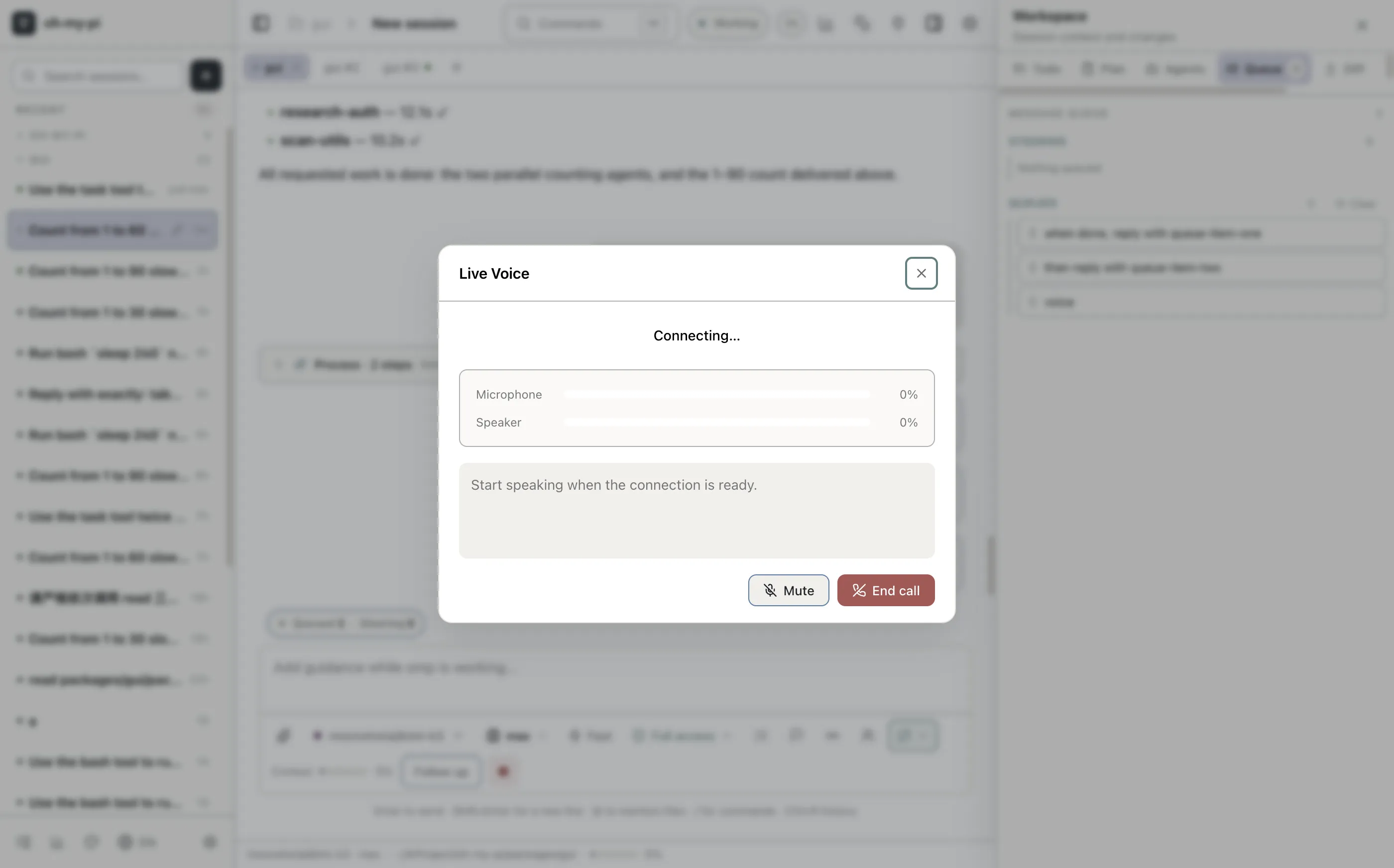
Live voice mode dialog

Live voice mode

Real-time speech sessions with live transcripts — talk to the agent while your hands stay on the keyboard.

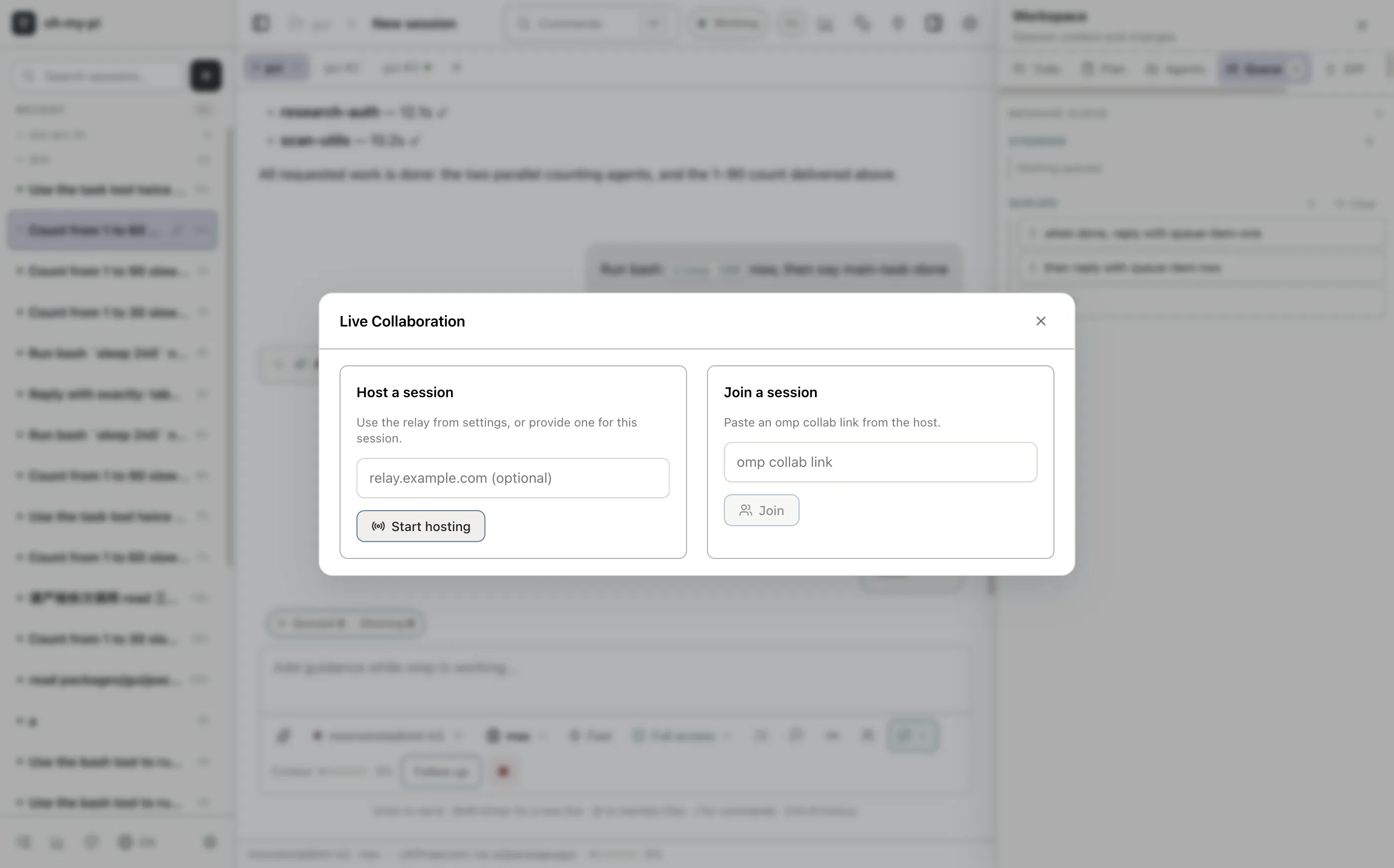
Collaboration dialog

Collaboration

Bring teammates into a session and watch the agent work together, live.

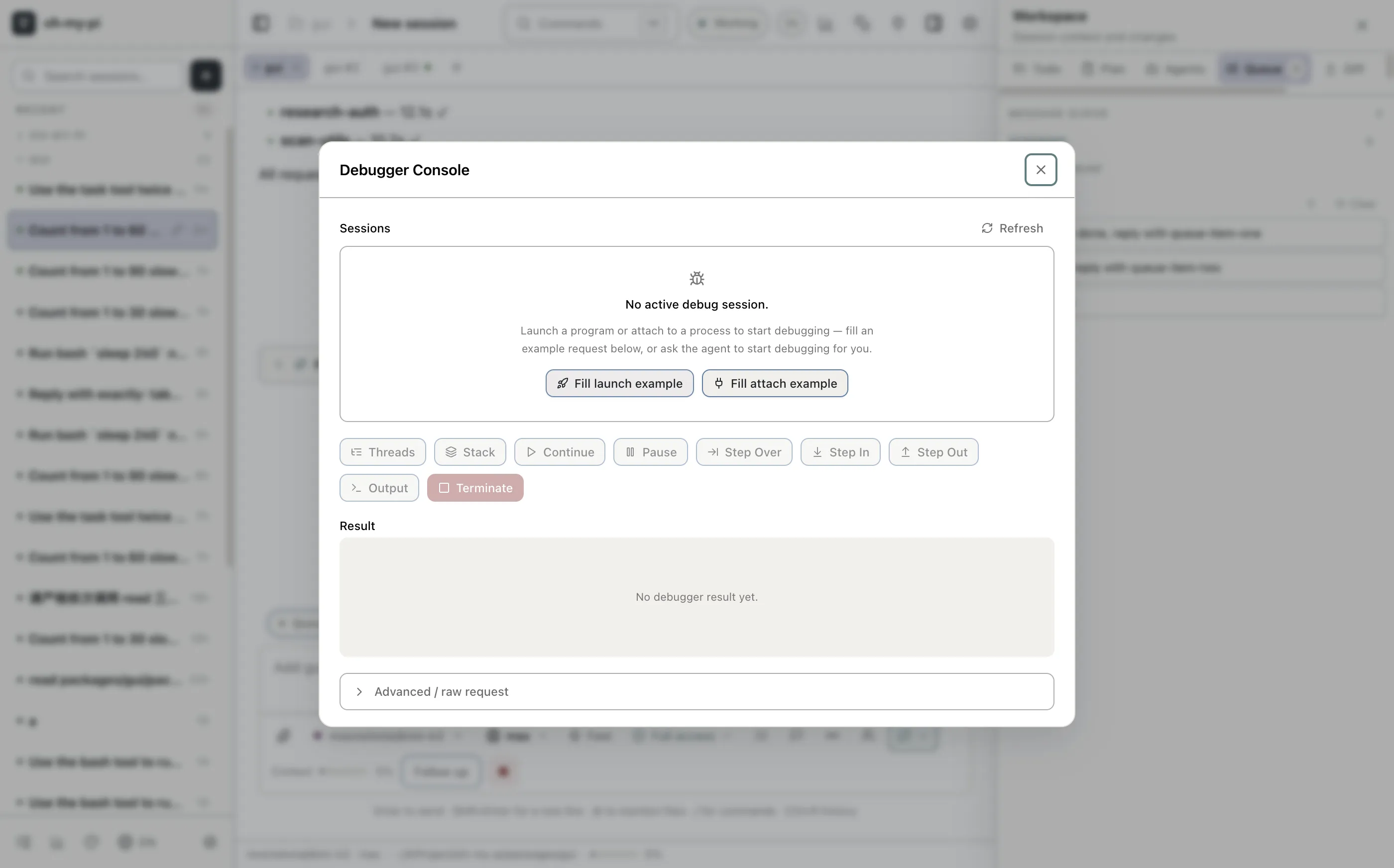
Structured debug console

Structured debug console

The raw RPC event stream — search, filters and pause — for when you need to see exactly what the agent did.

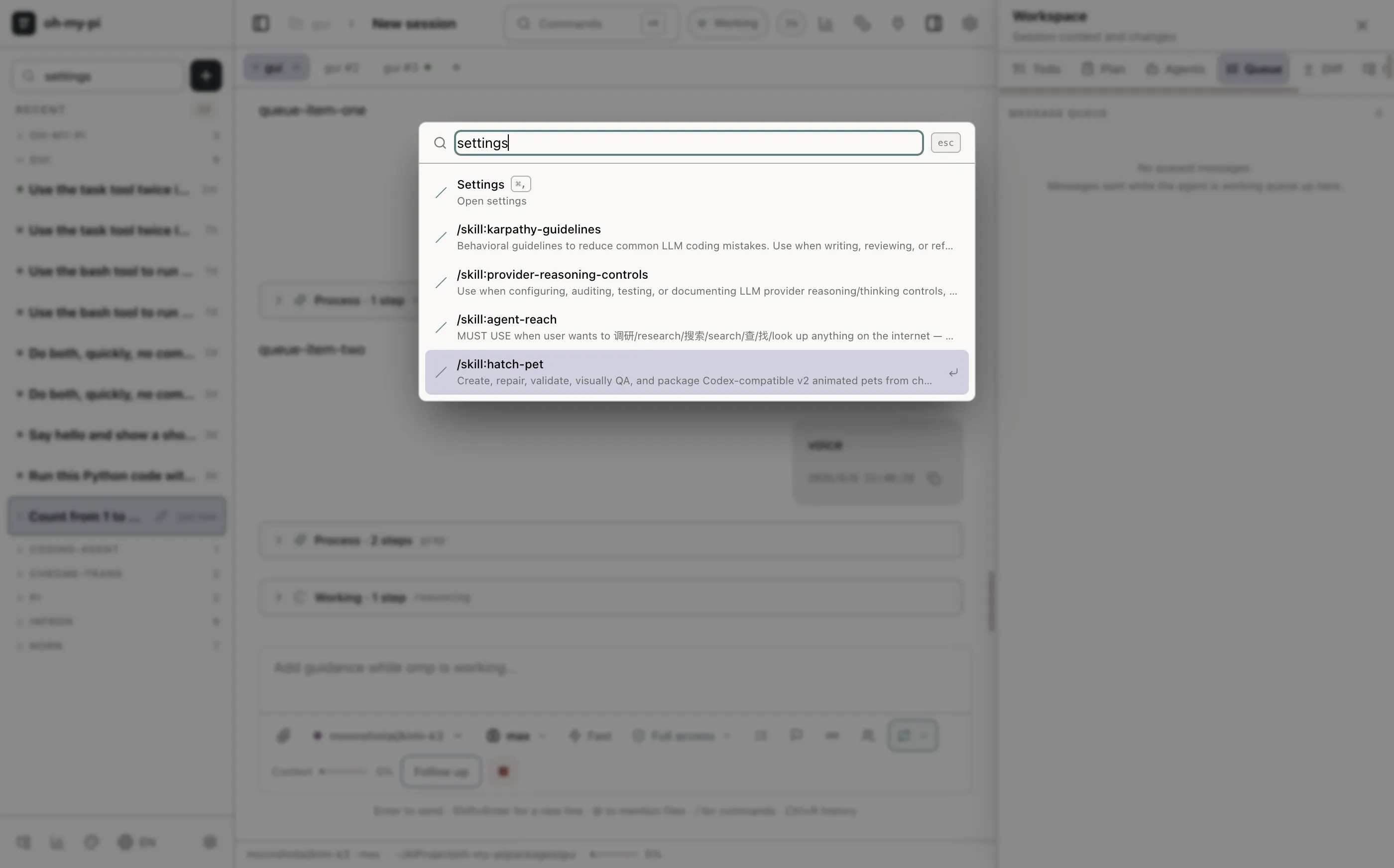
Command palette in Chinese

Command palette

Every command, dialog and setting one keystroke away — fully localized, English and Chinese included.

Context & Usage

Context you can actually audit

Per-file token breakdowns, tool-call frequency and live cost — the numbers behind every session, rendered natively.

Session statistics

Requests, tokens, cost and cache-hit rate at a glance.

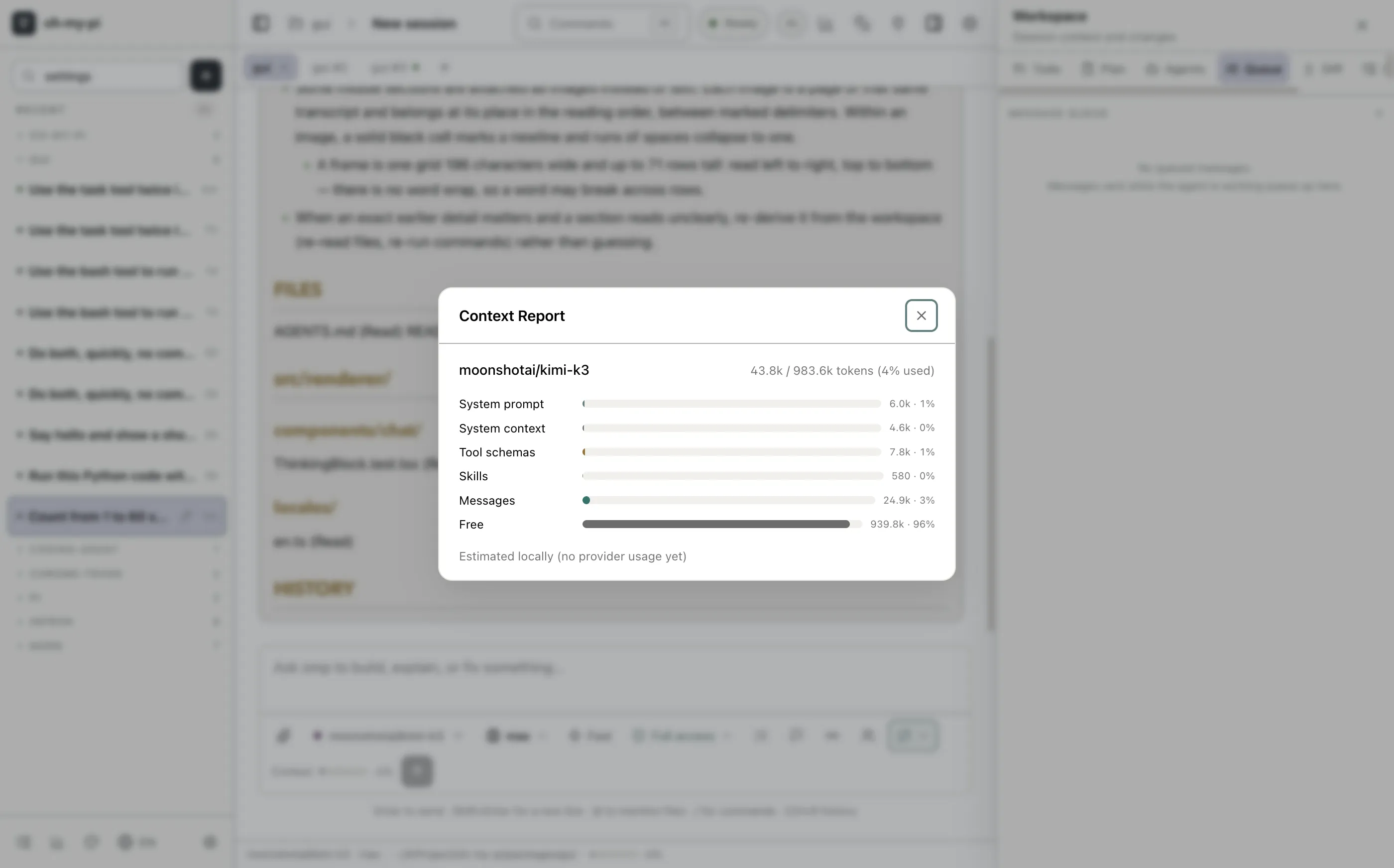
Context report

Exactly which files and tools are eating your window.

Context report with token bars
Context report — sorted token bars per source, with a copyable breakdown.
Auto-Update

Never reinstall by hand again

Signed update metadata ships with every release. The app checks GitHub, downloads in the background, and relaunches itself.

01

Banner appears

A new release on GitHub shows up as a quiet banner — no modal, no interruption.

02

Download in place

The DMG downloads with live progress inside the banner. Keep working.

03

Restart & done

One click swaps the app and relaunches you into the new version.

Install

Up and running in a minute

Grab the DMG for your Mac. The agent, its runtime and everything else are already inside.

Builds are unsigned for now. On first launch macOS will quarantine the app — right-click → Open once, or run xattr -cr /Applications/omp.app. Gatekeeper only asks once.

Prefer building it yourself?

# clone the fork, with the GUI nested inside
git clone https://github.com/nornzach/oh-my-pi.git
cd oh-my-pi && git clone https://github.com/nornzach/oh-my-pi-gui.git packages/gui
bun install
bun --cwd packages/gui run build:omp   # build the sidecar from the monorepo
bun --cwd packages/gui run package:mac:arm64 -- --publish never # → packages/gui/dist/*.dmg